

A gaming setup collects cables fast: PC, monitors, console, headset, lights, and controller chargers. These six steps get it clean, and they keep it that way when you upgrade.

1. Map every device
List what plugs in and where it goes. Unplug anything you no longer use.
2. Bundle behind the PC
Group cables by destination and wrap each group with reusable cable ties. Mixed colors make it easy to color code: one color for power, one for video, one for USB.

3. Run bundles down one desk leg
Follow the desk frame down to the floor near the outlet. One clean path is easier to hide than cables draped in every direction.
4. Give small cables a home
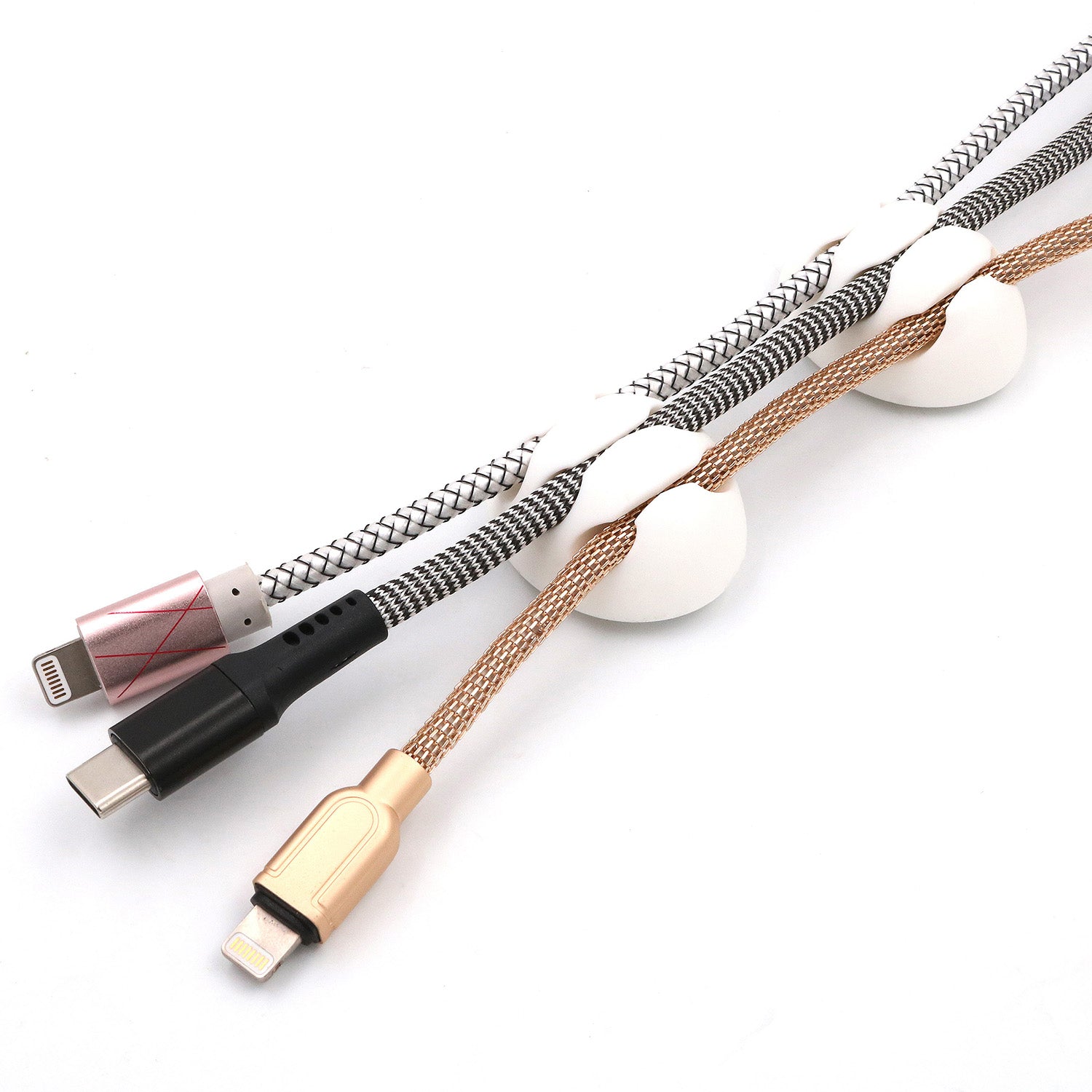
Headset and controller cables wander. Park them in a weighted desktop cable organizer so the ends stay in reach.
5. Leave slack where you move
Your mouse, headset, and chair all move. Leave enough slack in those cables so nothing pulls tight mid-game.
6. Reset after every upgrade
When you add a new GPU or monitor, open the ties you need, add the cable, and close them again. No cutting, and no rebuilding the whole setup.
Quick wins
- Label both ends of each cable with tape so swaps take seconds.
- Keep a few spare ties in a desk drawer for the next upgrade.
Recommended: Reusable Cable Ties, 30 Pack
Soft hook & loop ties in mixed colors for quick color coding. Open, adjust, and reuse them every time your rig changes.
A clean setup looks better on stream and is easier to upgrade. For more desk ideas, read our under desk cable management guide.
Shop the collection: cable clips and reusable cable ties.
Over 10 Million Straps Sold. Certified Woman-Owned. Free US shipping on orders $25+.
Share:
Cable Management for a Wall-Mounted TV: Hide the Cords
Cable Management for Standing Desks: Move Without the Mess